How Touchscreens Detect Your Finger Instantly
Your phone senses your finger with an invisible grid of capacitors, reading femtofarad shifts thousands of times a second. Here is the physics behind every tap.
Key takeaways
- Modern touchscreens use projected capacitive sensing: transparent indium tin oxide electrodes form a grid of capacitors beneath the glass, scanned thousands of times per second.
- Your finger works because the body is conductive and grounded — it draws charge from the grid, creating femtofarad dips the controller pinpoints as a weighted centroid.
- Gloves and plastic pens fail because they lack a conductive path to ground; pressure is irrelevant — even a hovering finger registers.
- E. A. Johnson described the first finger-driven capacitive touchscreen in 1965 for air traffic control; multi-touch capacitive screens overtook resistive ones between 2007 and 2013.
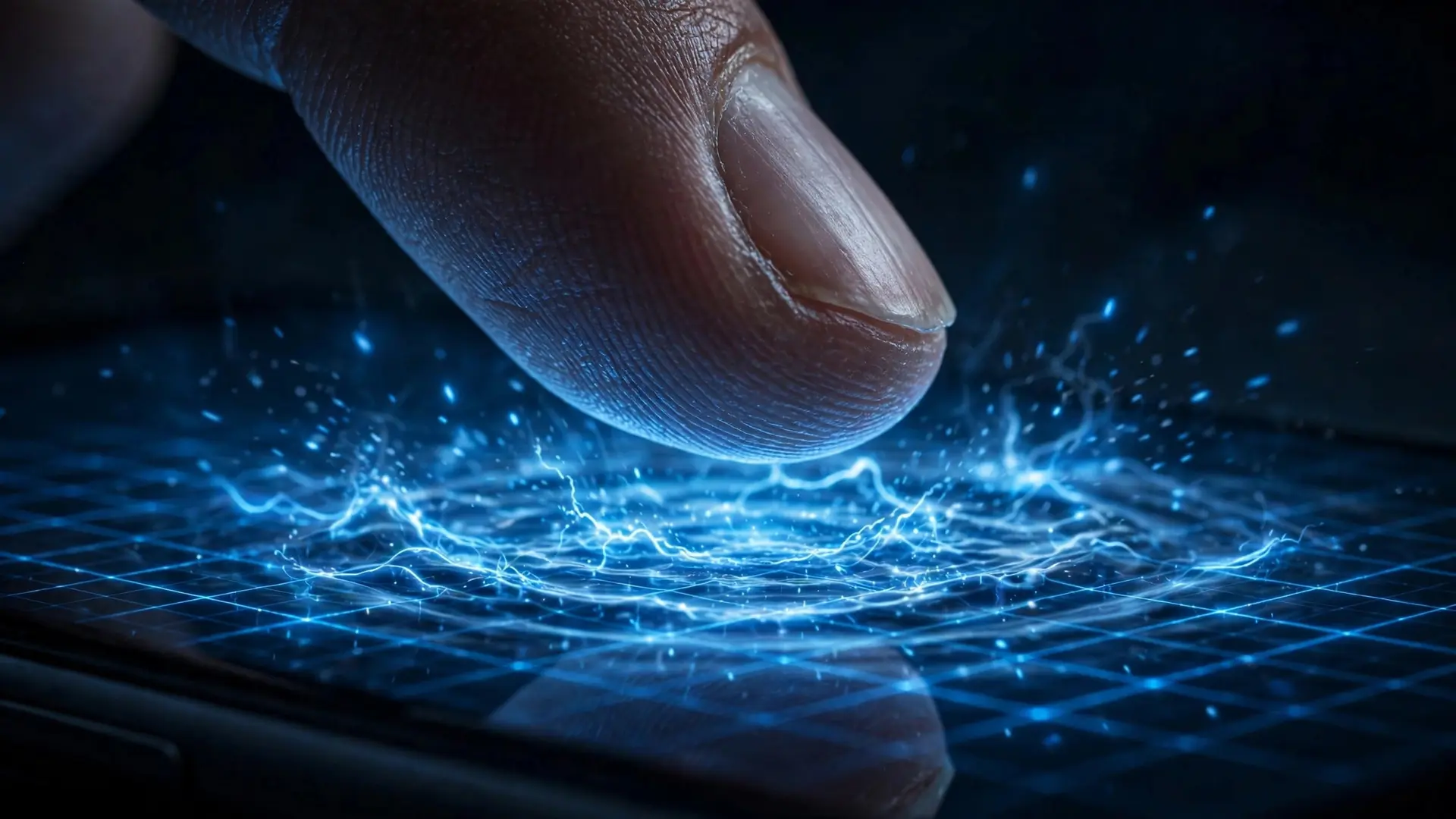
You tap, it answers — instantly, every time. But your phone's screen is not feeling pressure the way skin does. It is listening for the electrical shadow of your finger with an invisible mesh of capacitors, scanned thousands of times per second. When your finger approaches the glass, it steals a tiny amount of electric charge from that mesh — a change measured in femtofarads, a millionth of a billionth of a farad — and the controller pinpoints your touch from the pattern. Here is how that extraordinary sensitivity actually works.
The invisible grid beneath the glass
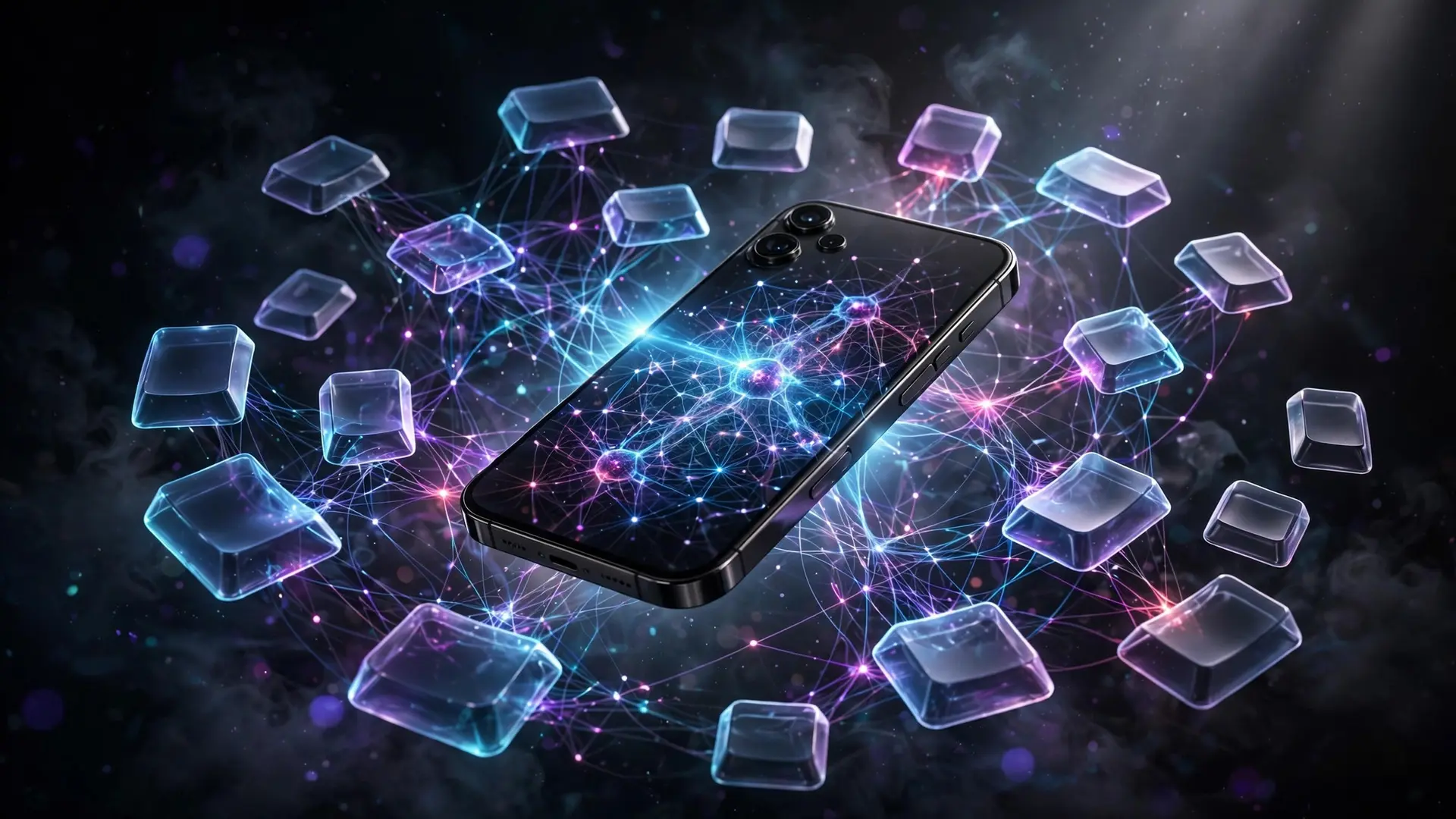
Under your phone's cover glass lies a transparent grid of electrodes made from indium tin oxide, a conductor you can see through. Modern touchscreens use what engineers call projected capacitive sensing: two layers of ITO traces are arranged as rows and columns with an insulating layer between them, forming a matrix of tiny capacitors at every row-column intersection. Electrode pitch is typically calibrated to 4 to 6 millimeters, dense enough to resolve a fingertip but sparse enough for the controller to scan the whole array fast. The controller constantly energizes the drive electrodes along one axis while monitoring the sensing electrodes along the other. At each intersection, the measured capacitance sits at a known baseline — the controller tracks this continuously and watches for deviations. The change it is looking for is astonishingly small, on the order of femtofarads, which is why the sensing electrodes and controller must perform aggressive noise filtering and sophisticated signal conditioning: your phone is separating the whisper of your finger from the electrical roar of the display, the radio, and your own body's noise, sixty or more times every second.
Why only your finger works
The detection is capacitive, not pressure-based, which is why a hard press with a plastic pen does nothing. A human finger works because the human body is a large conductive object referenced to electrical ground — when your finger hovers near or touches the glass, it couples with the projected electric field between the drive and sense electrodes and draws charge away, reducing the mutual capacitance measured at the nearby intersections. The controller sees a dip in capacitance at a cluster of intersections and computes a coordinate, usually as a weighted centroid of the dip, which is how the screen can resolve positions finer than the electrode spacing. Reading that grid of dips has a conceptual sibling in how QR codes work — another invisible matrix of tiny cells decoded into meaning many times a second. This is also why gloves, bandages, and styluses with non-conductive tips fail: they are not coupled to ground the way your body is. And it explains the familiar quirk that a very dry finger or a phone floating ungrounded on a table can register touches weakly — capacitive sensing needs that conductive path. Resistive touchscreens, the older technology behind ATMs and supermarket terminals, work entirely differently: two flexible conductive sheets are pressed together by your tap, completing a circuit. That mechanism responds to any pressure, which is why ATMs work with gloves — but the flexible outer layer wears, drifts out of calibration, and can only cleanly track one point.
From radar labs to the smartphone
Touchscreens feel modern, but the idea is more than sixty years old. In 1965, engineer E. A. Johnson at Britain's Royal Radar Establishment described the first finger-driven capacitive touchscreen in a research paper, and he went on to publish "Touch display — a novel input/output device for computers" in 1968, building prototypes for air traffic control where operators selected targets directly on the screen. The technology sat mostly in labs for decades: Bell Labs demonstrated a stylus-driven optical touchscreen in 1960, the University of Illinois built a 16×16 infrared-sensor touchscreen for the PLATO IV learning terminals in 1972, and CERN manufactured transparent capacitive touchscreens from 1973 for its own control rooms.
The mass-market path ran through resistive screens first — G. Samuel Hurst's resistive touchscreen invention around 1971 became the foundation for decades of ATMs and kiosks — and through early milestones like the Hewlett-Packard HP-150 touchscreen computer in 1983 and the IBM Simon, the first touchscreen phone, in 1993. What changed everything was multi-touch: between 2007 and 2013, capacitive touchscreens overtook resistive ones in consumer electronics as smartphones made pinch-to-zoom and ten-finger tracking feel essential — the same pocket devices whose power source is unpacked in how lithium-ion batteries work. The mutual-capacitance grid made multi-touch possible because it measures each intersection independently, tracking up to ten concurrent touches without coordinate ambiguity — something the older self-capacitance schemes, which only measured whole rows or columns, could never do cleanly.
The misconceptions that stick
The most persistent misconception is that the screen senses pressure. Most people have pressed harder on an unresponsive phone, as if force would help — and it feels like it should, because the device reacts to your finger touching it. But no force is required at all; a hovering finger works just as well, and a dead-weight plastic block presses as hard as it likes in vain. Related is the idea that "the screen knows my fingerprint," a confusion with the actual fingerprint sensor, a separate component entirely. The touch grid cannot identify you — it only knows that a grounded conductive object arrived at coordinates X, Y. Another common myth is that water breaks touchscreens. A drop of water can confuse the controller — it is conductive too, and rain or wet hands create ghost touches — but the screen is not damaged; it is just misled, the same way a choir is confused by an extra voice. Modern controllers run heuristics to reject water-like patterns, which is why wet-finger modes and "glove mode" exist: the latter simply raises sensitivity so a finger's field can be detected through fabric. The grid is silent, transparent, and always watching — a mesh of capacitors measuring the world in femtofarads, converting the arrival of your finger into coordinates hundreds of times a second. Every tap you make is a tiny electrical conversation between your body and a piece of glass, and it works so reliably that you never have to think about it. That invisibility is the achievement: sixty years after Johnson sketched the idea for radar operators, the most common interface on Earth is one you cannot see and never need to understand — unless you are curious about what is really happening beneath your fingertip. It is the latest chapter in a much longer story of human-machine interfaces, from the history of the QWERTY keyboard to the screens we now take for granted.
Frequently asked questions
Do touchscreens sense pressure?
No. They detect the electrical shadow of a conductive, grounded finger via capacitance changes — no force is required, and a hovering finger works just as well.
Why don't gloves work on touchscreens?
Gloves, bandages, and plastic pen tips are not coupled to ground like the human body, so they cannot draw charge from the capacitive grid. Glove mode simply raises the sensor's sensitivity.
Who invented the touchscreen?
Engineer E. A. Johnson at Britain's Royal Radar Establishment described the first finger-driven capacitive touchscreen in a 1965 research paper, building prototypes for air traffic control.